Printer Settings
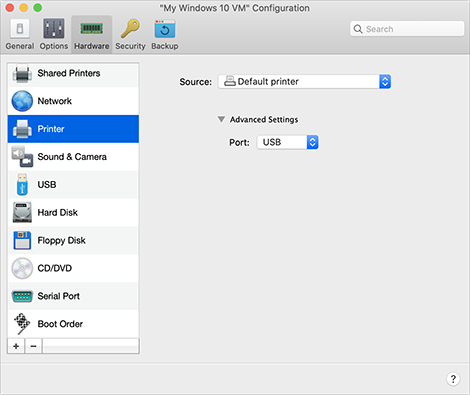
In the Printer pane, you can view and configure the virtual machine printer port settings.
To open these settings, choose Actions > Configure > Hardware , then click Printer .
|
Option |
Description |
|
Source |
In the Source field, specify the source device that emulates this printer port:
|
|
Port |
In the Port field, choose the port type. If available, you're recommended to use the USB port type. Connecting a printer to a virtual machine via USB ensures faster data transfer rate than connecting it via LPT. |
 Top of page
|