CD/DVD Settings
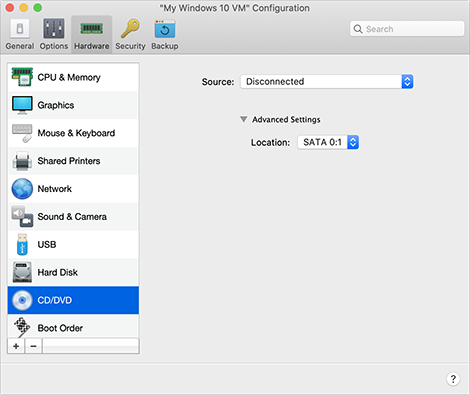
In the CD/DVD pane, you can view and configure the virtual machine CD/DVD-ROM settings.
To open these settings, choose Actions > Configure > Hardware , then click CD/DVD .
|
Option |
Description |
|
Source |
Use this field to specify the source device or image file that emulates the virtual machine CD/DVD drive:
|
|
Location |
Use this field to specify the type of interface for connecting the device. This option is for advanced users only. |
 Top of page
|