Web Settings
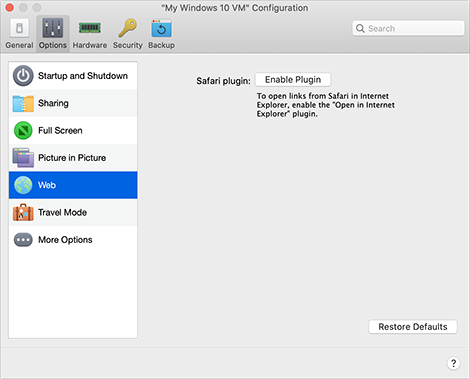
In the Web pane, you can enable the plugin for Safari to open web pages in Internet Explorer.
To open these settings, choose Actions > Configure > Options , then click Web .
|
Option |
Description |
|
Safari plugin |
Some webpages work best when viewed in Windows Internet Explorer. If you are browsing in macOS using Safari, you can quickly open the current page in Internet Explorer by doing the following:
If Windows isn't already open, it starts up and the page opens in Internet Explorer. |
 in the Safari toolbar.
 Top of page
|