Set Windows to Take Up the Whole Screen
By default, Windows opens in the Window view mode.
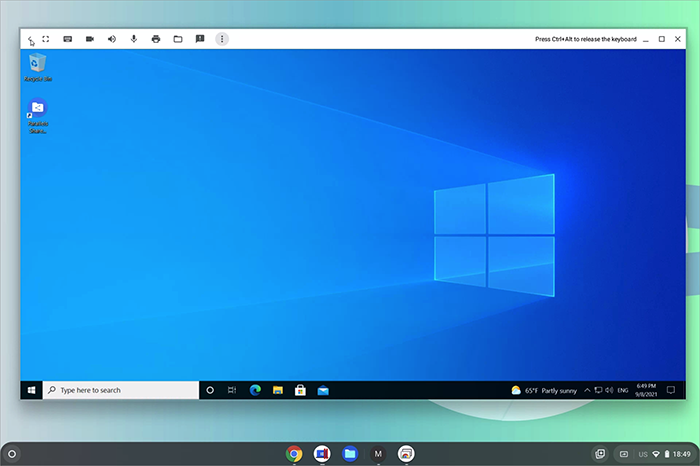
To make it occupy the whole screen, press the Full Screen button
 (or F4) at the top of your keyboard. Or you can click the Full Screen icon
 in the top left corner of the virtual machine window.
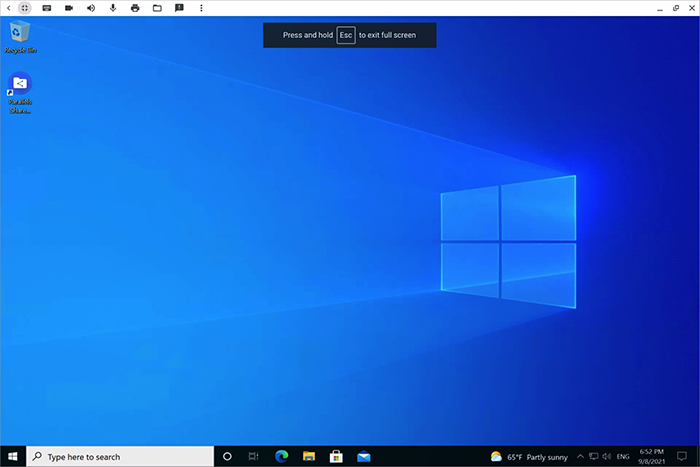
Note: You can also put Windows on a separate virtual Desk and switch between Chrome OS and Windows with a 4-finger swipe.
 Top of page
|