Open a Windows Application
To open a Windows application, do one of the following:
-
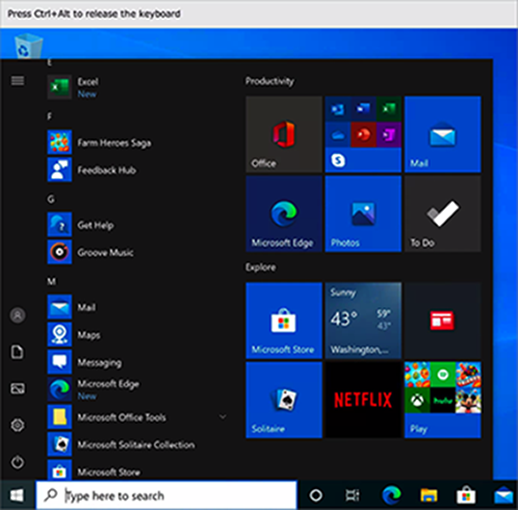
Click the Windows
Start
button in the left bottom corner, scroll up or down the list of apps and choose the one you need.
-
Use the Windows
Search
field to find apps.

- In Windows File Explorer, double-click the file you want to open or edit. It will open in the Windows app that is set as default for this type of files. If you need to open a file with another Windows app, right-click it, point to Open with and choose the app you need from the list.
 Top of page
|